HomePayments
Payments
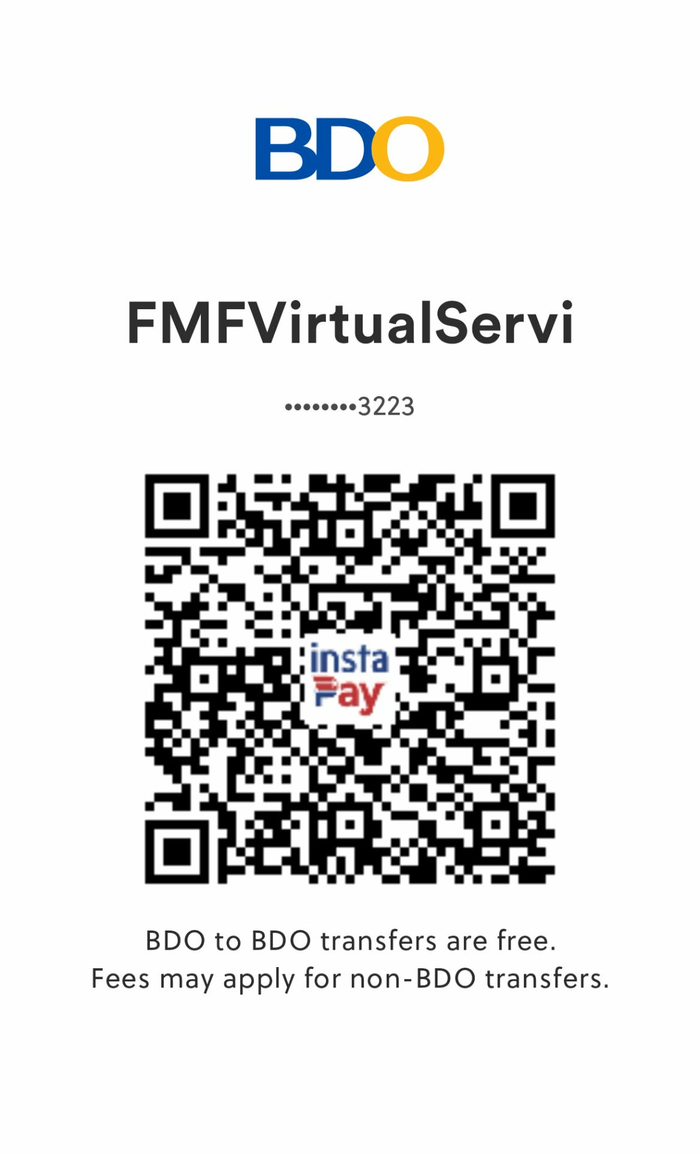
Already a client? Pay your invoice by scanning the QR code with any banking or e-wallet app that supports InstaPay QR.
- Open your banking or e-wallet app and choose Scan QR or Pay QR.
- Scan the code and enter the amount on your invoice.
- On a phone? Press and hold the QR code to save it, then upload it from your gallery in your app.
- Send us your proof of payment and invoice number so we can confirm it.
Paying from outside the Philippines? Message us and we will send you the payment details.